Gear Generator 3 on your own computer, for macOS, Windows and Linux: every export included, your designs saved as files, and no internet needed once it is activated.
Gear Generator
45 EUR
once: a lifetime license
- Everything the website does, in a window of its own
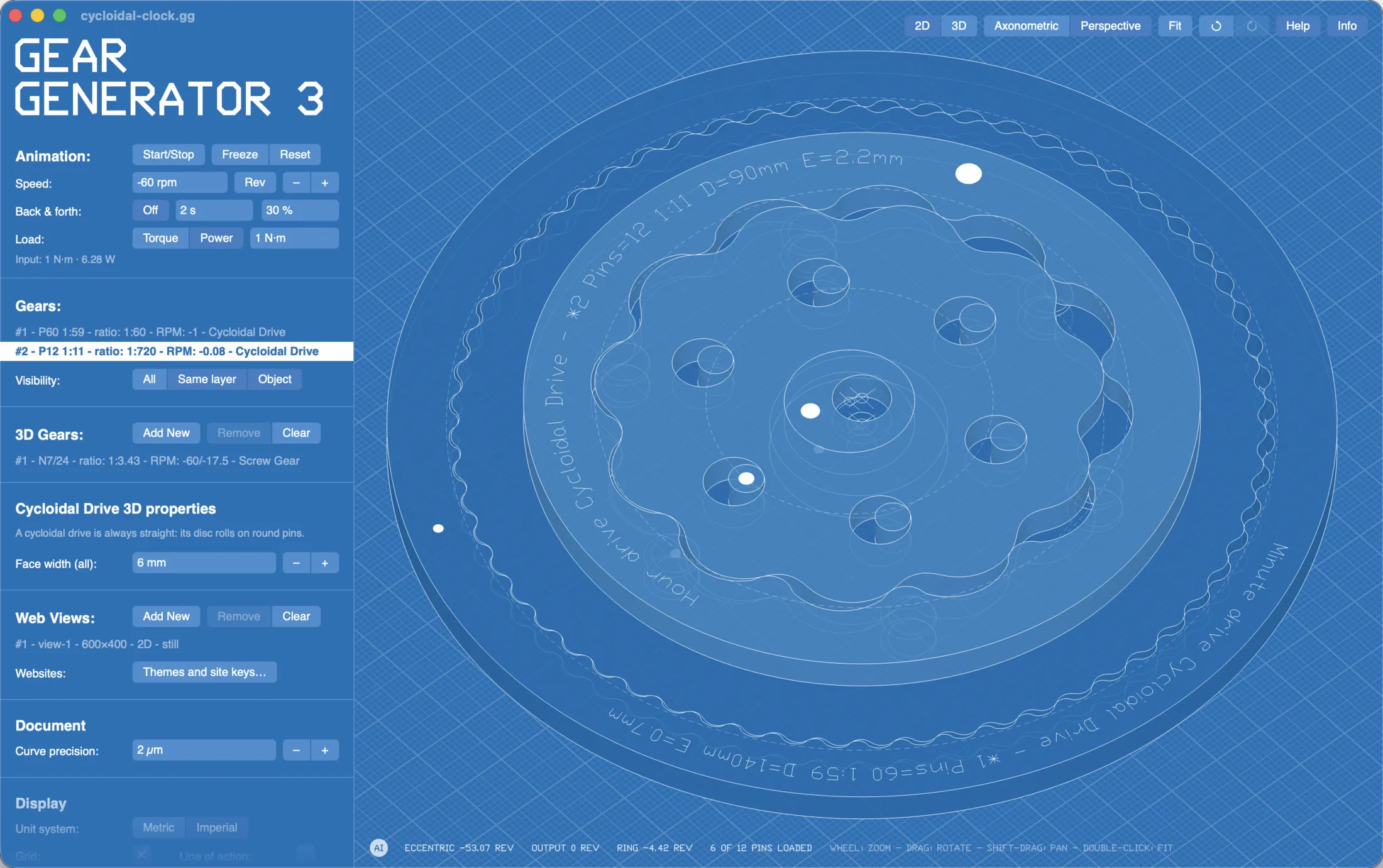
- New in 3.5: cycloidal and clock teeth, and the cycloidal drive
- Every export: SVG, DXF, STEP, STL and OBJ, no pass needed
- Your designs as .gg files; works offline
- macOS, Windows and Linux, on 3 computers
Gear Generator Pro
95 EUR
once: a lifetime license
- Everything Gear Generator does
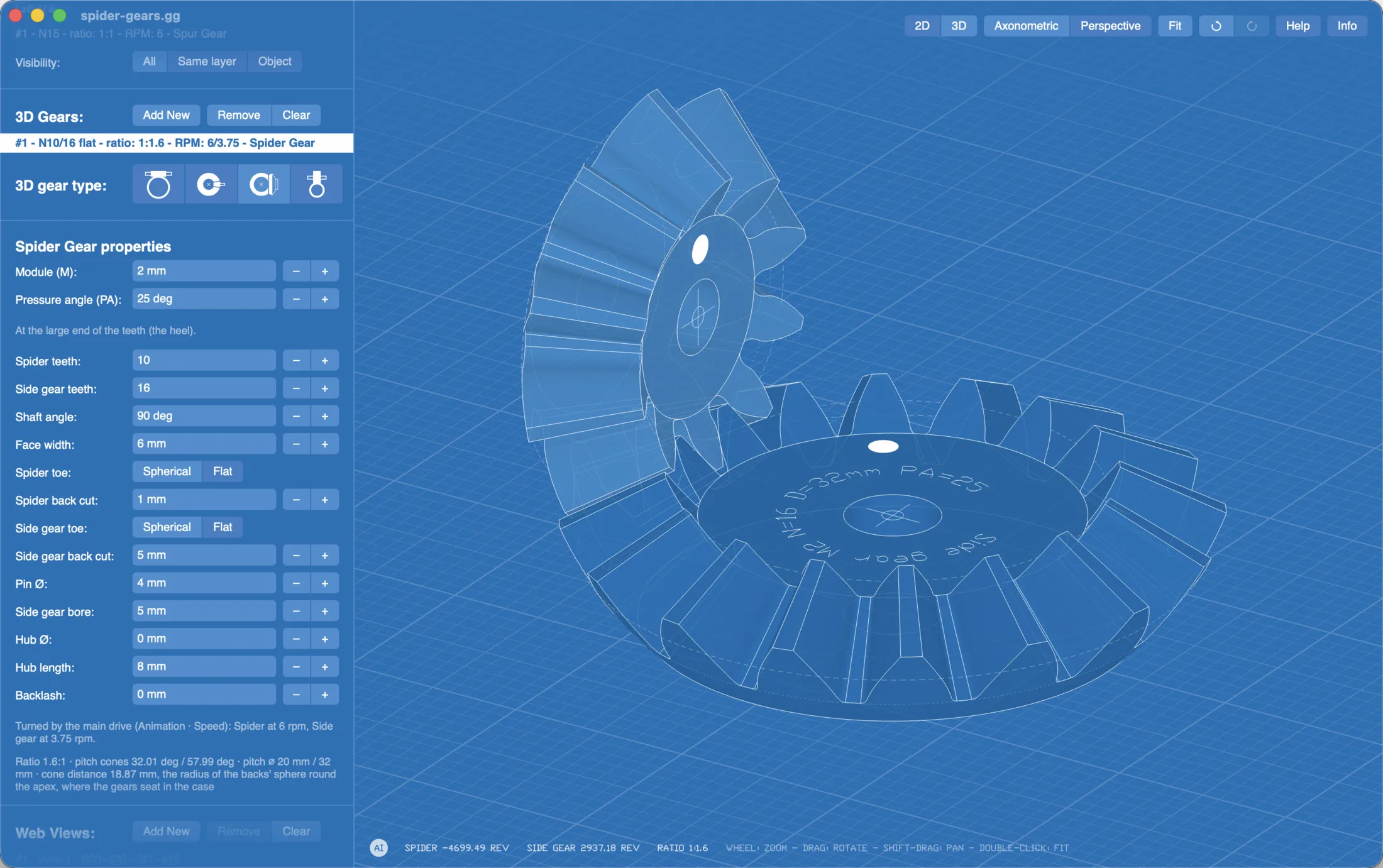
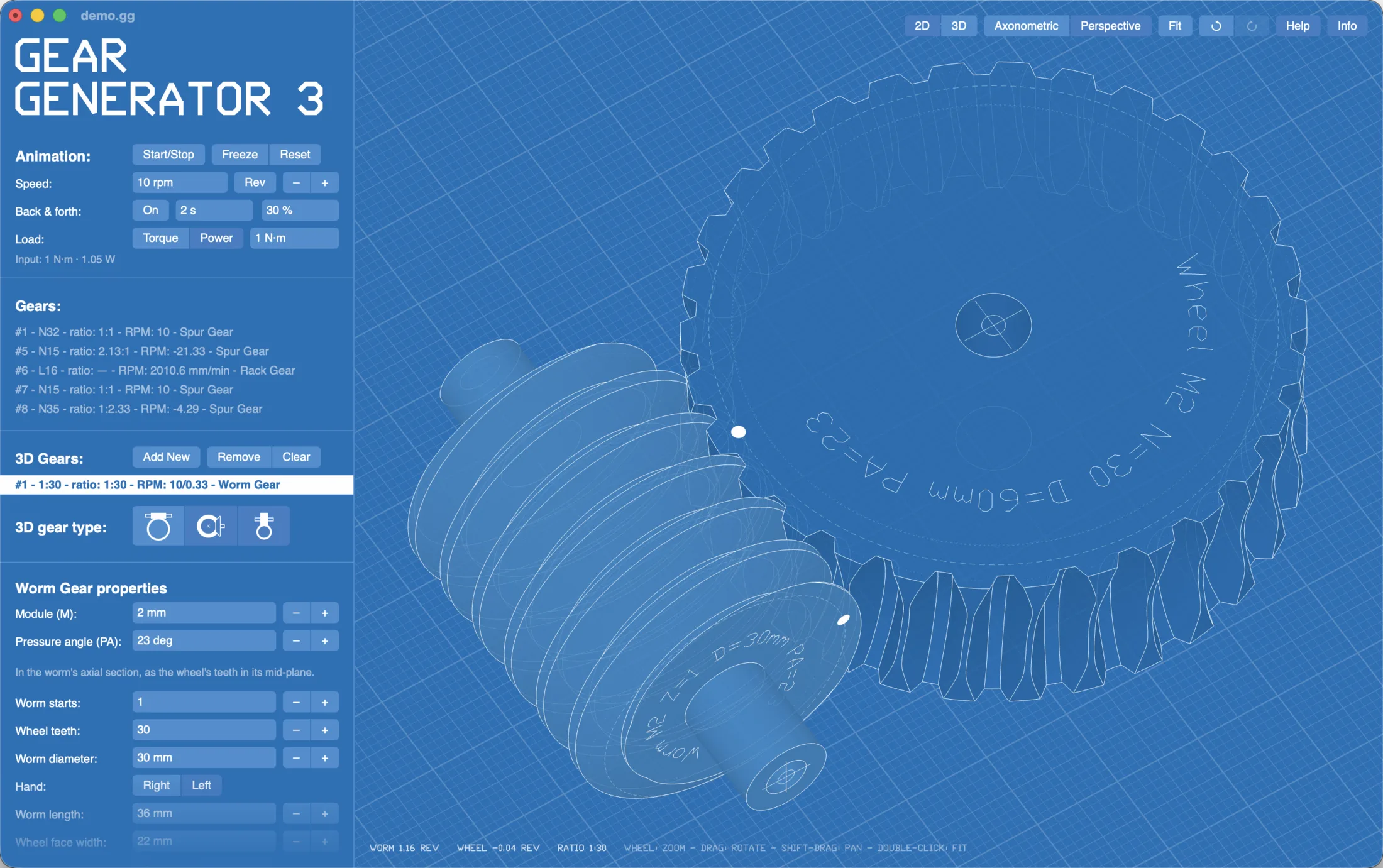
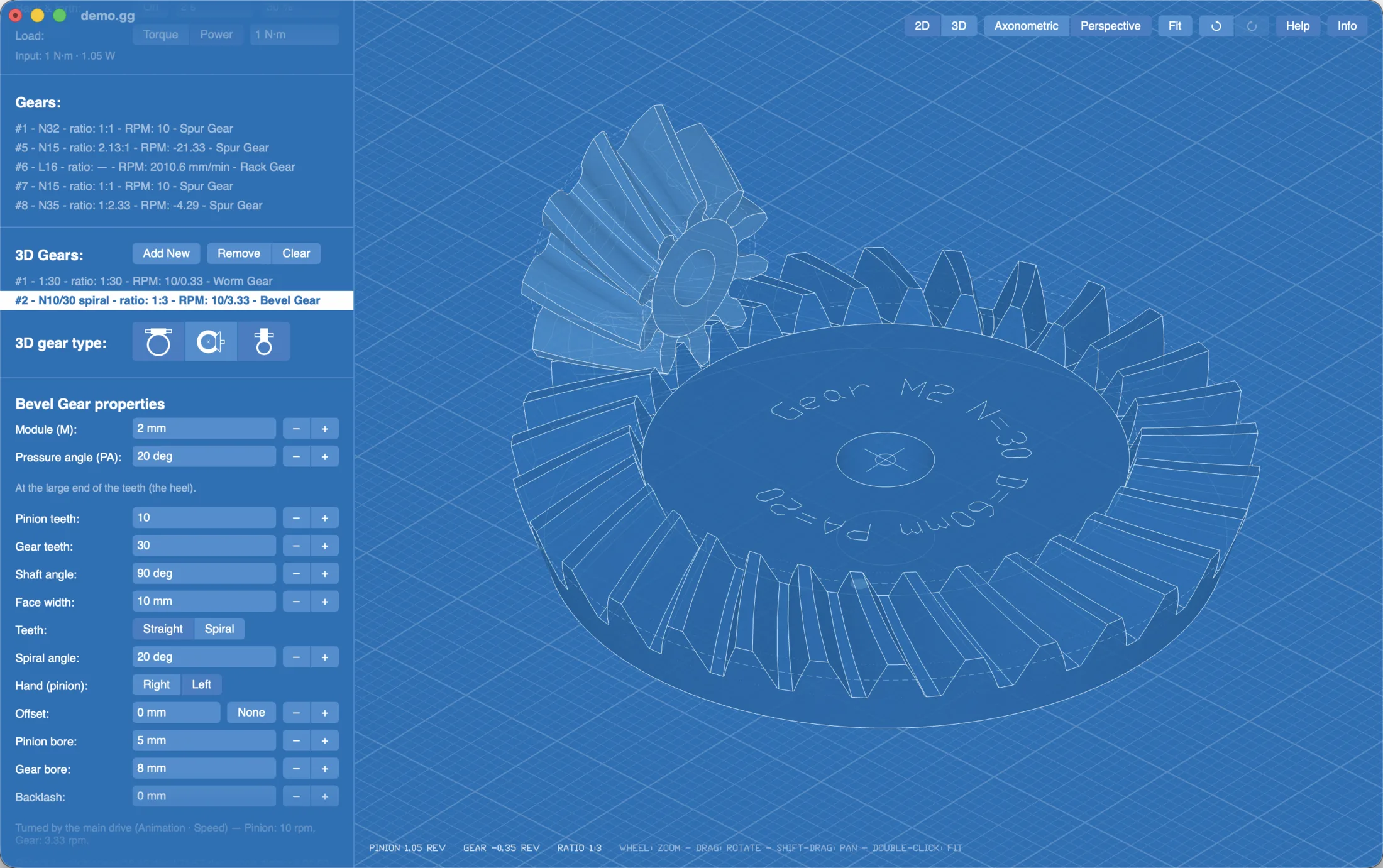
- 3D gear pairs: worm, bevel, screw and, new in 3.5, spider gears
- New in 3.5: PDF installation drawings, dimensioned for making the housing
- Web views: your gear trains on your own website
- AI Assistant: the AI app of your choice designs in the open document
- Back and forth drives
Payment, receipt and invoice by Paddle, who sells Gear Generator for us. The license key comes by e-mail, with the link to the download page.
Buying for a team? Choose the quantity in the checkout: each license adds 3 computers to the same key, and everyone registers with one e-mail address and key. More later: add computers to a key.
Also on the Mac App Store: Gear Generator for 39.99 EUR, for one user (the Macs signed in to the Apple Account it is bought with). No license key; the App Store keeps it up to date. Mac only, and not Pro.
Everything the website does, on your computer
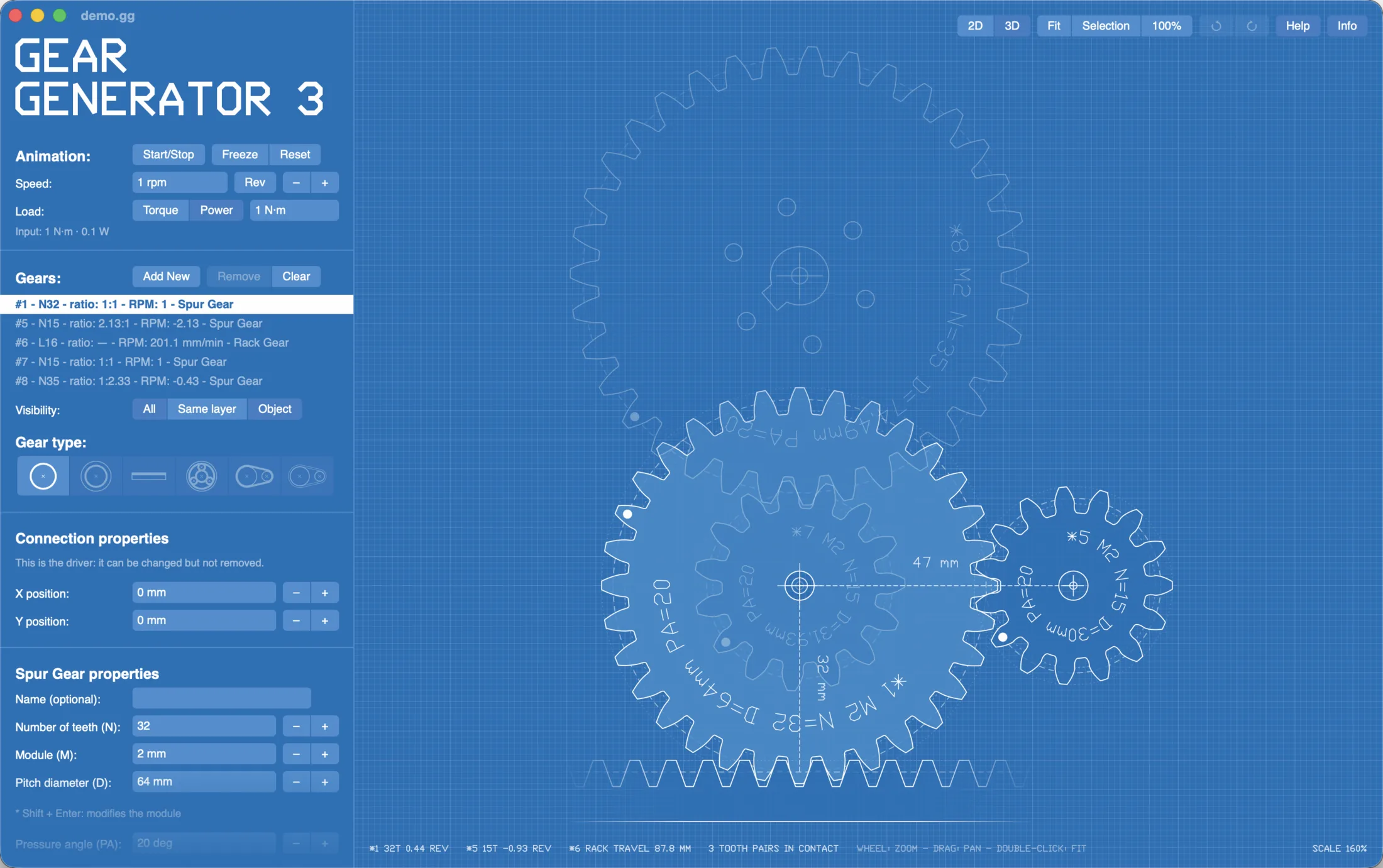
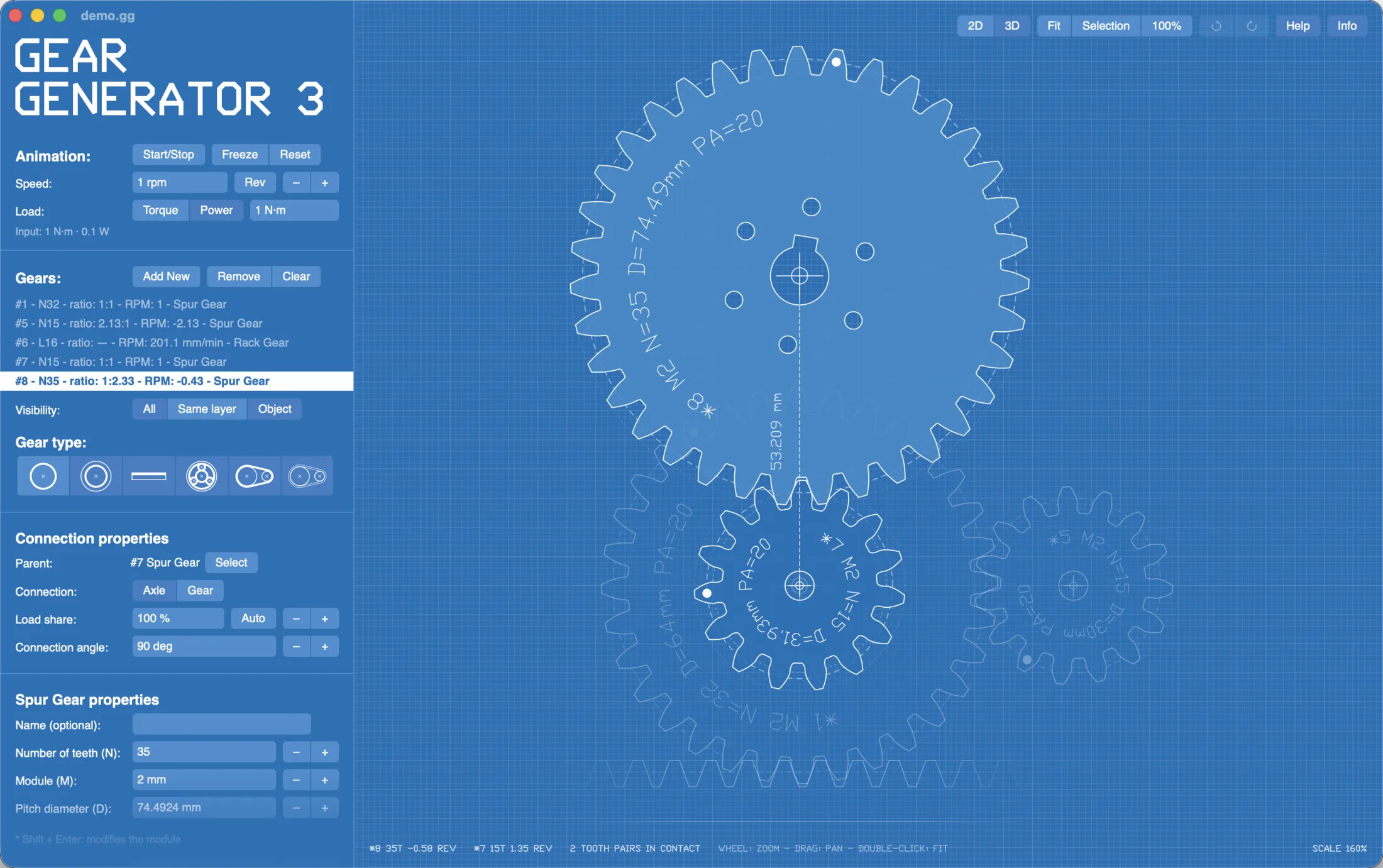
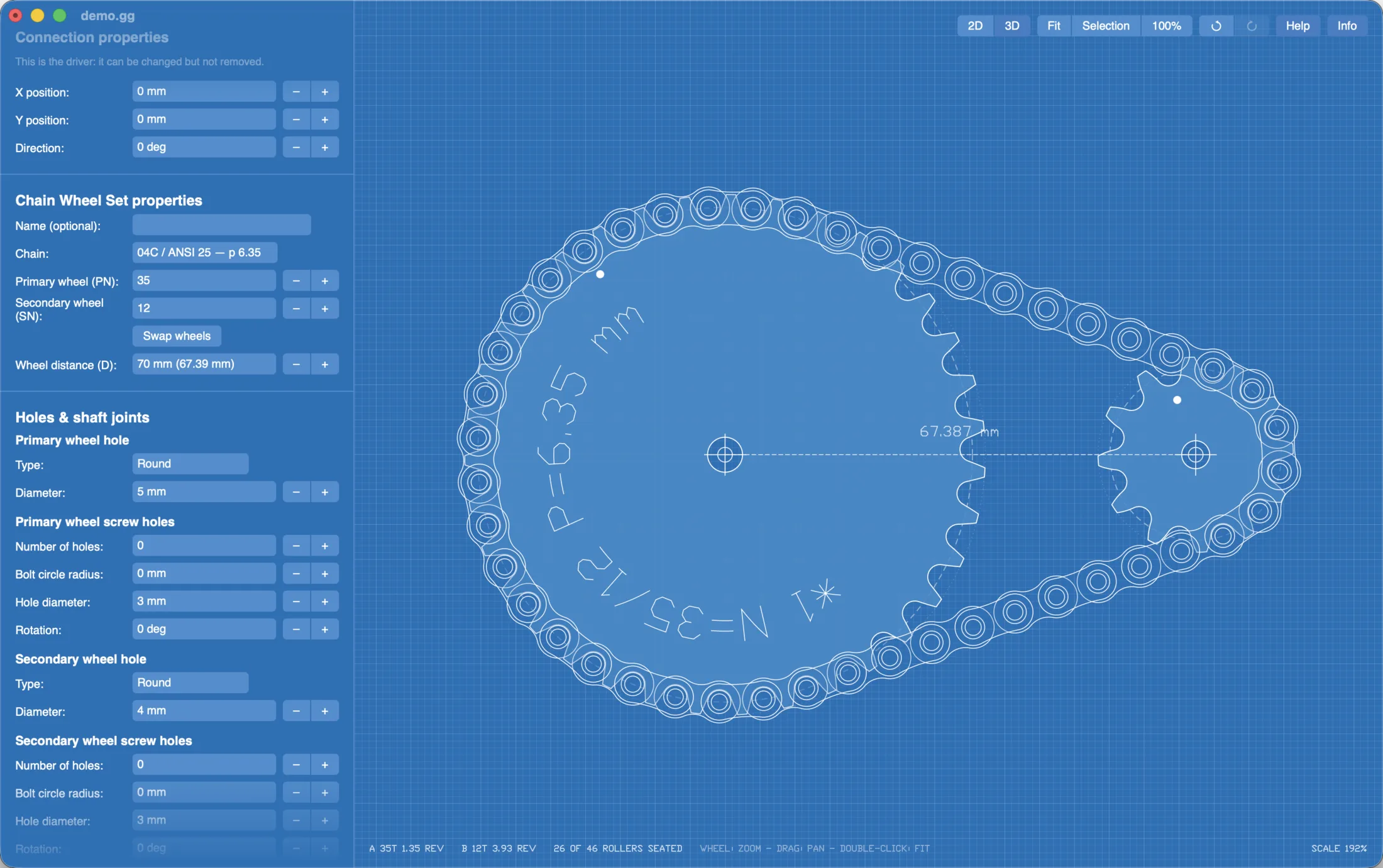
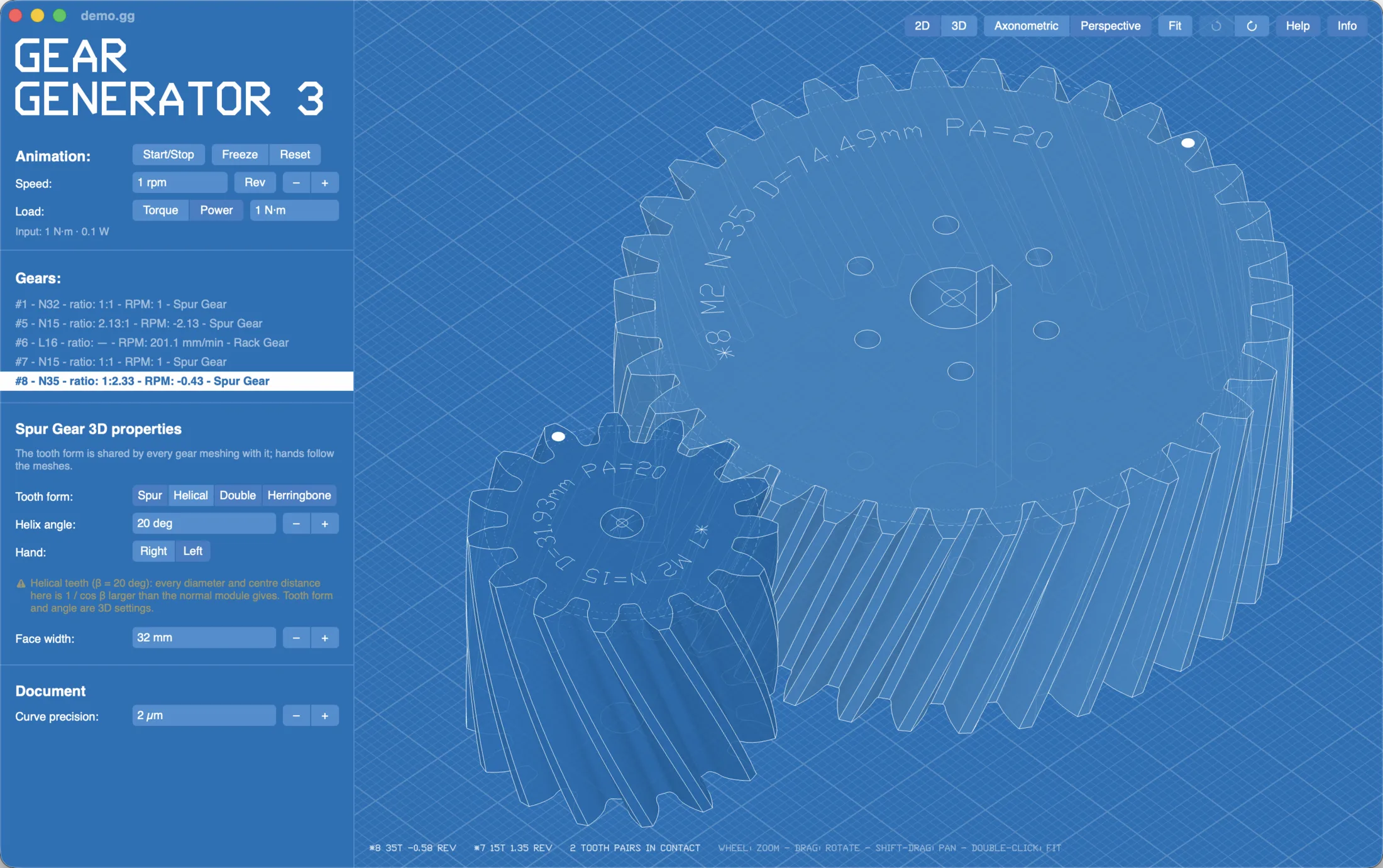
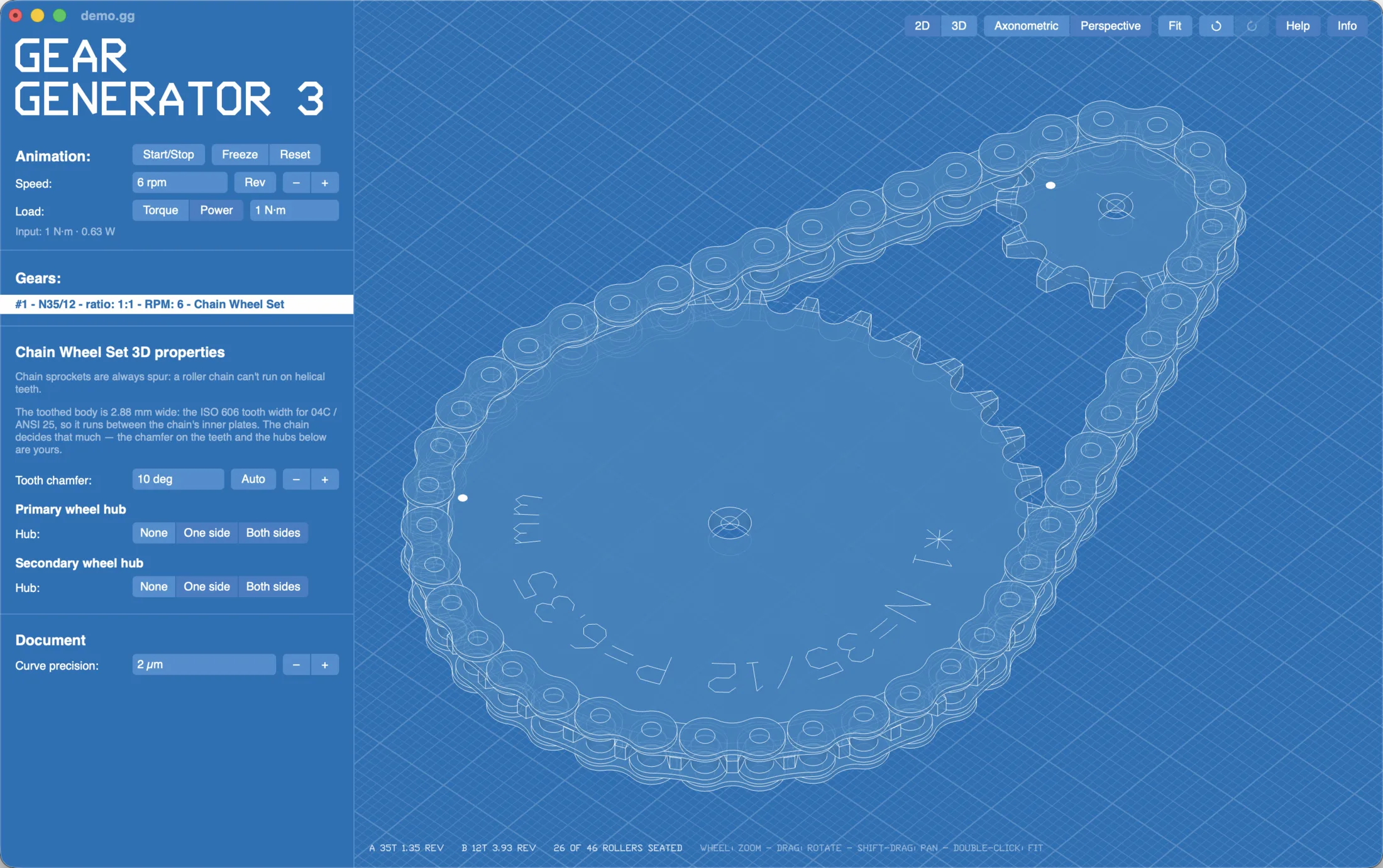
The same Gear Generator 3 as on geargenerator.com: spur, internal and rack gears, planetary sets, cycloidal drives, chain and belt wheel sets; involute, cycloidal and clock teeth; shaft holes, splines, LEGO axle holes and screw holes; helical, double helical and herringbone teeth in 3D; loads and forces through the whole train. In a window of its own, with menus and keyboard shortcuts, and:
- every export, as often as you like: SVG and DXF for laser cutting, CNC and CAD drawings, STL and OBJ for 3D printing, with no export pass;
- STEP solids for your CAD program, the desktop apps' own: every gear an exact solid you can edit, measure and machine, the whole train placed as it meshes;
- your designs as files on your computer (.gg), opened with a double-click; Gear Generator 2 files open too;
- no internet needed after the first start, and nothing about your work leaves your computer.
New in 3.5
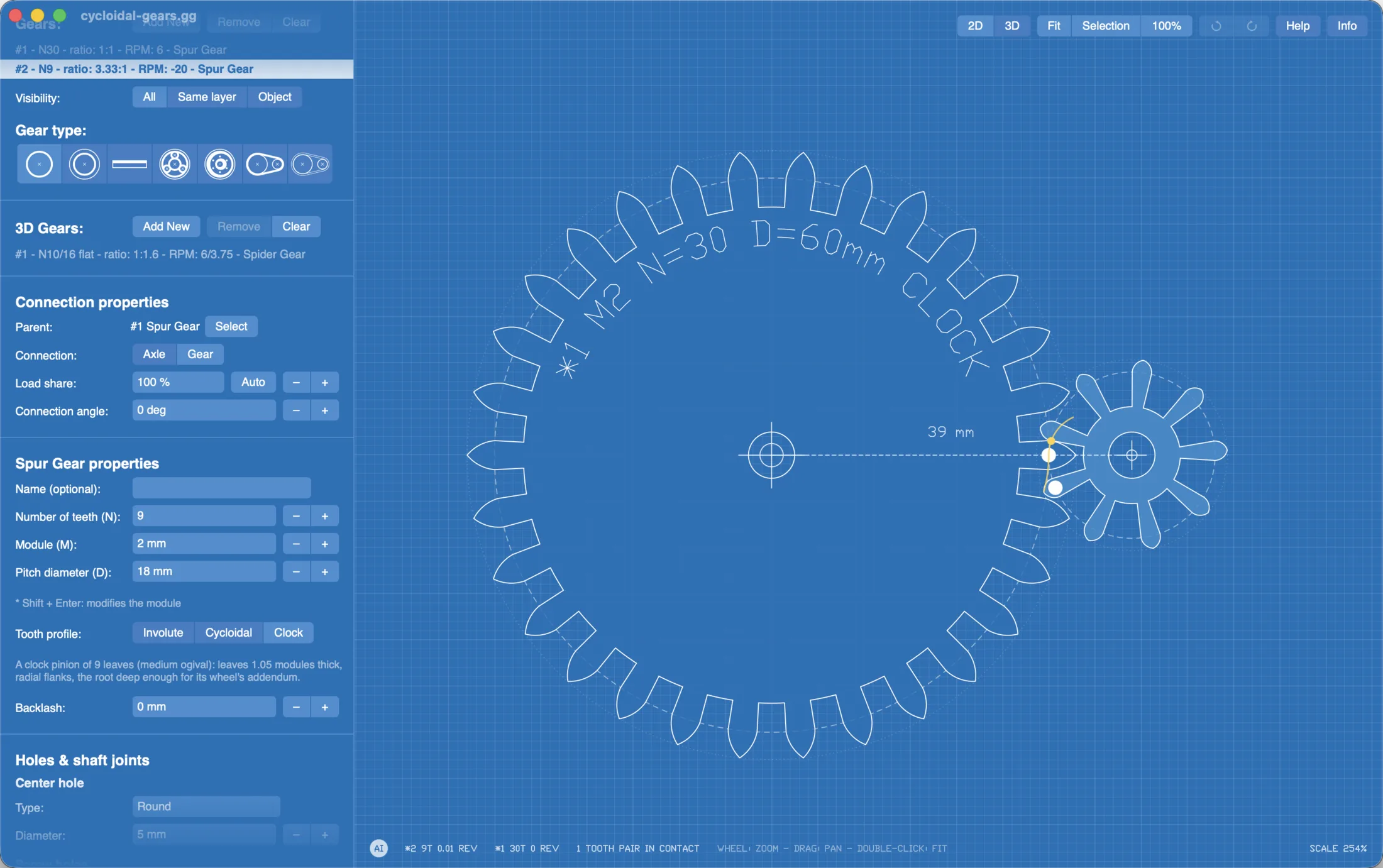
Cycloidal and clock teeth: a Tooth profile switch on spur gears, ring gears and racks. Cycloidal gears that share a rolling circle all mesh, and clock wheels and pinions follow BS 978 Part 2. And the cycloidal drive, a part type of its own: a ring of pins, a lobed disc on an eccentric and output pins, a reducer of N − 1 to 1 in a single stage.
Gear Generator Pro
The desktop app with more in it: 3D gear pairs, installation drawings, web views for your website, an AI Assistant and drives that turn back and forth. Pro is an app of its own, and its license opens Gear Generator too.
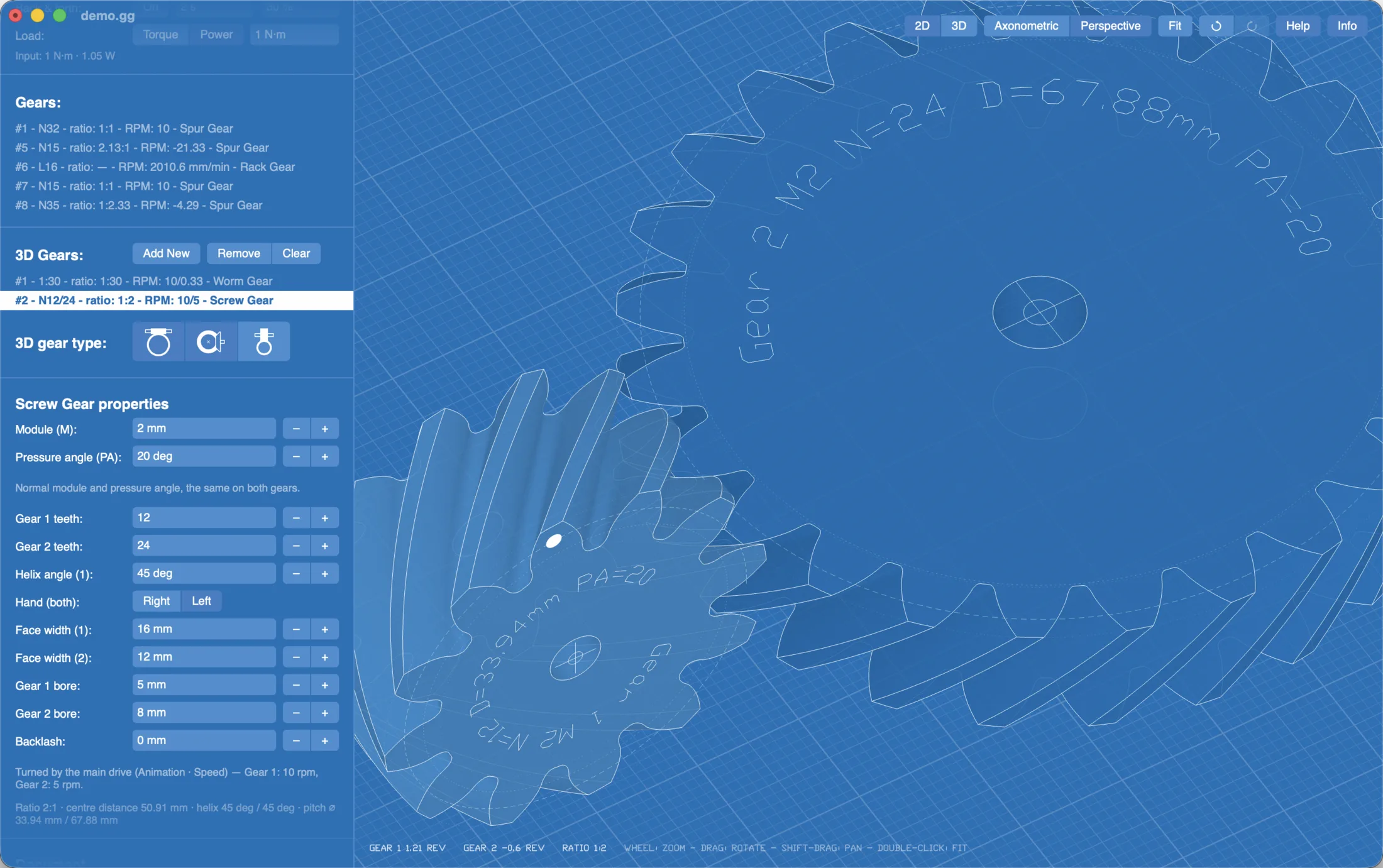
3D gear pairs
Gears whose axes cross, so a flat drawing can't show them: worm gears, bevel gears (straight or spiral, with an optional offset pinion), screw gears and, new in 3.5, spider gears: a differential's spider and side gear, at any shaft angle from 30° to 150°. Each pair turns with your design's drive, shows its ratio and forces, and exports as STEP, the two wheels as they mesh, and as STL and OBJ, each wheel laid out to print.
Installation drawings
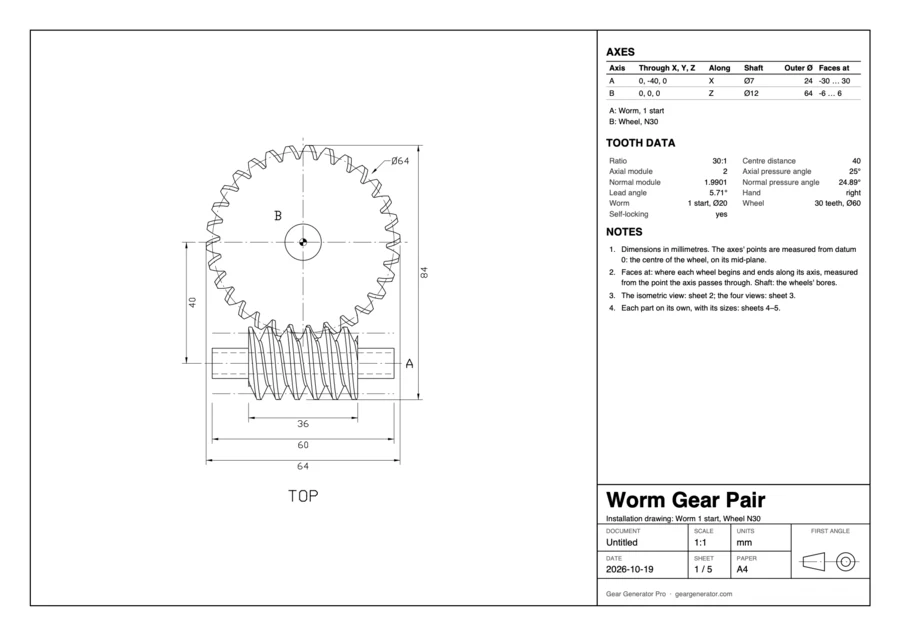
New in 3.5: a PDF drawing for making the housing your gears go in (File › Export › PDF Drawing). It shows every part on a layer, or a 3D gear pair: the layer from above with its holes lettered and dimensioned, an isometric view, every part on a sheet of its own with its bore, diameters and screw holes, and the drilling templates printed again at 1:1, to lay on the material. On A4, A3, Letter or Tabloid, with a title block, in first-angle projection for a metric design and third-angle for an imperial one.
Web views
Your gear trains on your own website, in 2D or 3D, still or turning. Frame the view in the app, choose its size, and the website shows it with one script and one line of HTML:
<script src="/ggview.js" defer></script>
<div class="ggview" width="640" height="360" content="…"></div>
It draws sharp at any size, turns only while it is on screen, and makes no connections of its own: nothing about your visitors goes anywhere. A theme per website matches its colours.
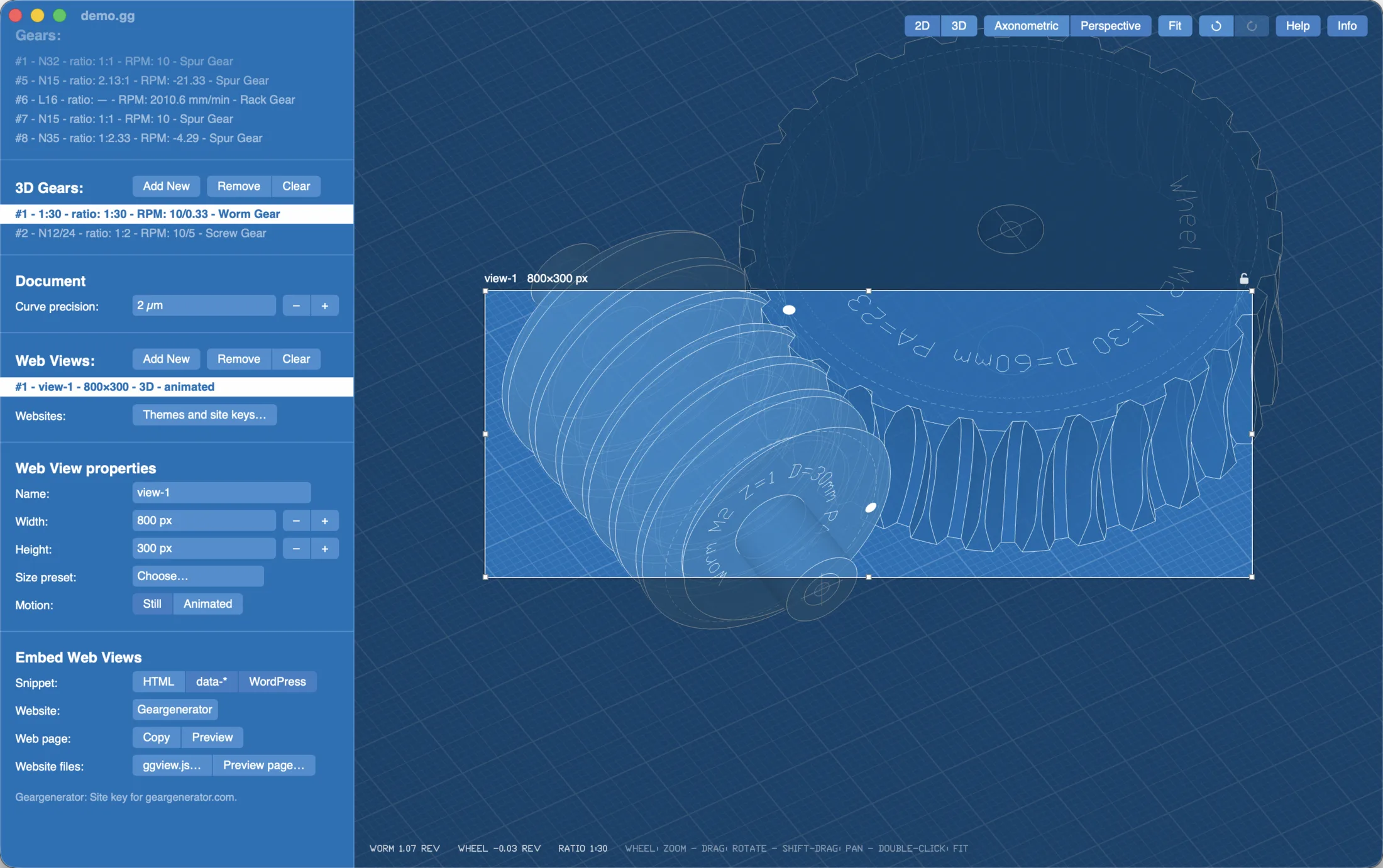
See web views on a page, and how such a page is set up, step by step.
AI Assistant
Claude, or another AI app that speaks MCP (the Model Context Protocol), designs in the document you have open: it finds tooth counts for a ratio, adds and changes parts, checks the design for the warnings you see and for parts that run into each other, looks at it, and saves and exports it where you ask. You watch every change, and Undo takes each one back. On a Mac or a Windows PC one click installs it in Claude Desktop. It is off until you turn it on.
Back and forth
A drive that turns one way and then back, eased at every turn: for grippers, wipers and everything that swings rather than spins. The gears, the 3D pairs and the web views all follow it.
Side by side
| Website | Gear Generator | Gear Generator Pro | Mac App Store | |
|---|---|---|---|---|
| Price | Free to design | 45 EUR once | 95 EUR once | 39.99 EUR once |
| Runs on | Any browser | Mac, Windows, Linux; 3 computers per license | Mac, Windows, Linux; 3 computers per license | Mac only (macOS 13 or newer); one user: the Macs of one Apple Account |
| Every gear type, holes, 3D teeth, loads | ✓ | ✓ | ✓ | ✓ |
| SVG, DXF, STL, OBJ exports | With an export pass, from 5 EUR | ✓ all included | ✓ all included | ✓ all included |
| STEP solids for CAD | - | ✓ | ✓ | ✓ |
| Your designs | In the browser, share links, .gg files | .gg files | .gg files | .gg files |
| Works offline | - | ✓ | ✓ online only for site keys | ✓ |
| 3D gear pairs: worm, bevel, screw, spider | - | - | ✓ | - |
| PDF installation drawings | - | - | ✓ | - |
| Web views for your own website | - | - | ✓ | - |
| AI Assistant for any MCP app | - | - | ✓ | - |
| Back and forth drives | - | - | ✓ | - |
| Updates | Always the latest | Minor ones free | Minor ones free | Through the App Store |
| Open it | Buy | Buy | App Store |
Good to know
- After buying, your license key comes by e-mail with the link to the download page. Enter your e-mail address and the key the first time the app starts: it needs the internet once, then works offline. Gear Generator Pro also goes online to get a website's key for its web views; the web views themselves need nothing from us.
- Updates: every minor update is free; the next major version comes at a reduced upgrade price.
- Three computers per license. To move it to another one, deactivate it on the old one first (License… in the app). A team buys several licenses on one key (the quantity in the checkout), and adds computers to it later.
- What it runs on: a Mac with Apple silicon or Intel and macOS 12 or newer; Windows 10 or 11, 64-bit; a 64-bit Linux PC (Ubuntu 22.04, Debian 12, Fedora or newer, or any distribution with the AppImage).
- On the Mac App Store Gear Generator is for one user, on the Macs of the Apple Account it is bought with, and the App Store looks after it: no license key, and its updates come from there. It is a purchase of its own: a license from this page doesn't open it, nor does it open the apps downloaded from here. Gear Generator Pro is sold here only.
- Try it first: the website is the same Gear Generator 3, free to design with. Everything is in the user manual.
- Questions? Write to support@geargenerator.com.